


Reloadable card to pay online without exposing your bank account
Shopping online leaves more of a trace than you might think. Between cards saved on dozens of stores, subscriptions that renew automatically, and websites where you enter your details “just this one time”, you end up leaving your main account far too exposed.
To avoid these mistakes, a reloadable card is the ideal tool. Why? It allows you to shop online with a limited balance without turning your main card into the master key to everything.
These types of cards are very easy to use and understand, but in this post we’ll make it even simpler for you. We’ll cover how it works, when it makes sense to use one, and why it can be a very useful intermediate layer between your bank account and online purchases.
How a reloadable card works
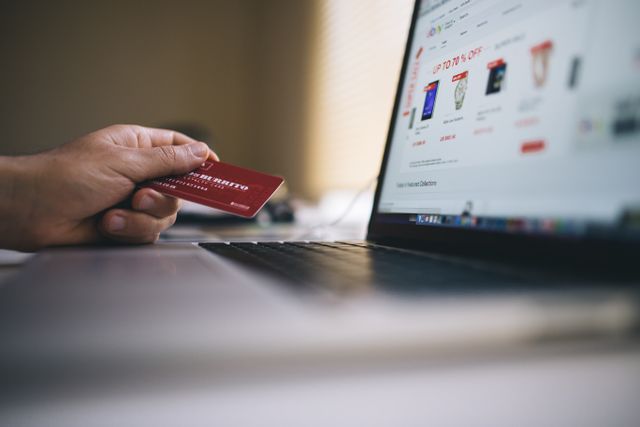
Beyond the definition, the important thing is that you understand how a reloadable card works and how to use it in your daily life. The logic is simple: first you load funds, then you spend. Not the other way around. This means the maximum amount exposed is capped from the start. This is something that doesn’t happen with a debit card (which draws directly from your account) or a credit card (which allows you to defer payment). Reloadable cards are not directly linked to your account or a line of credit.
Reloadable cards generally operate on Visa or Mastercard networks. This means you can use them to pay at any online merchant that accepts these brands. The reload process can vary quite a bit. It will all depend on your card issuer, but the most common methods are bank transfer, debit card, or other digital methods from the app.
The most important thing here isn’t paying, it’s paying with a limit. If you load €50, that will be your maximum spending limit. If you don’t reload more, they won’t be able to charge you anything more.
Physical or virtual reloadable card
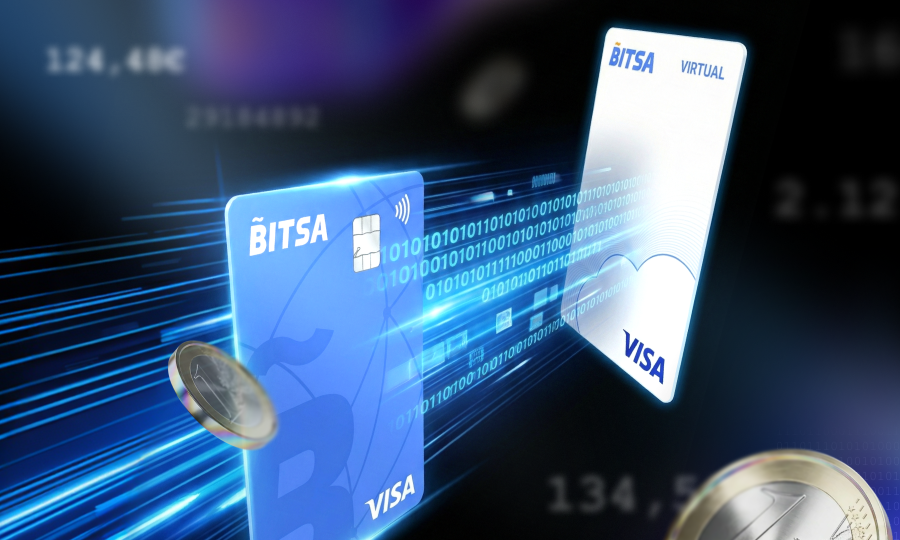
Now that you’re starting to understand how this system works, there are two formats worth distinguishing because each serves a different need. On one hand, you have the virtual reloadable card, and on the other, the physical one.
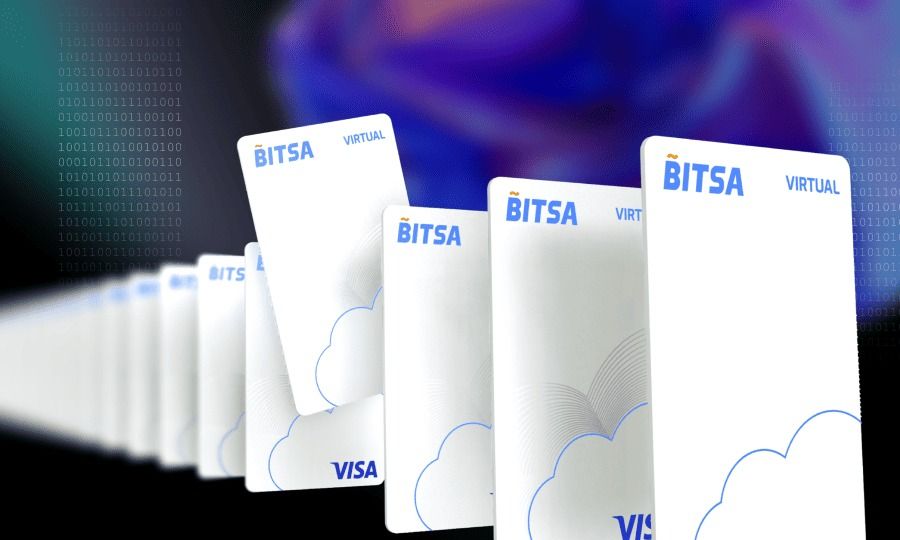
The virtual card is generated instantly from the app and is designed primarily for online shopping. It’s the one most commonly requested when the main goal is to protect your data when paying on websites or subscriptions. The physical card, on the other hand, arrives by mail and extends usage to physical stores and ATMs, in addition to also working for online purchases if you prefer.
If both options seem necessary in your case, don’t worry. The good news is you don’t have to choose just one. You can have both at the same time, without the chosen format creating a barrier to entry or an extra cost for having more than one version. You can use the virtual card for digital purchases and the physical card for when you leave the house or need to visit an ATM.
Paying from your mobile with Apple Pay or Google Pay
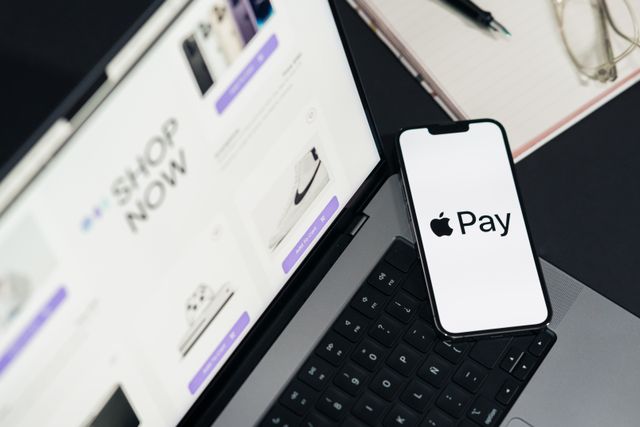
Prepaid cards are also compatible with Apple Pay or Google Pay. In fact, this offers you an extra layer of protection. In these systems, the actual card number is not shared with the merchant. What’s used is a token or virtual number associated with the device and that transaction. When you pay, the platform returns a “payment token” to the merchant and the transaction is completed with that token, not the original card number.
The reason Apple and Google use tokenization is precisely because they don’t want the merchant to know your actual card details. In practice, this significantly reduces the risk in case of a data breach at the store or payment gateway.
On the other hand, adding your reloadable card to Apple Pay or Google Pay is as simple as it gets. You just need to find your card details (number, CVV, and expiration date) and add them to your mobile wallet. Same process as with a regular card. This layer of protection combined with limiting the balance you expose with a reloadable card is the perfect combination.
Why it’s safer for online payments
At this point, the question almost answers itself, but let’s dive deeper. The main advantage is obvious but important: when you pay online with a reloadable card, you don’t expose your entire current account. If the card you use for online shopping only has the balance you’ve loaded, the potential damage is capped even if something goes wrong.
Imagine you detect a charge you didn’t make or don’t recognize. Your margin for reaction is much better than with a regular card. You can block the card from the app and limit the impact to whatever balance was loaded at that moment. Remember that prepaid cards precisely allow you to spend only the money previously deposited, which helps contain the risk.
For this reason, many people use them more as an intermediate layer before their main card. They don’t replace your bank account, of course, but they do reduce exposure when shopping on new websites, suspicious sites, or ones you don’t fully trust.
Common situations to use it for online shopping
As you’ve probably noticed, this type of card is really useful in daily life. However, there are specific situations where using a reloadable card should be a priority. For informational purposes, here are some cases:
- Free trials that later convert to paid subscriptions.
- First-time purchases on lesser-known websites.
- Stores outside the EU, where you don’t have as much control over the payment environment.
- Marketplaces with many sellers, where you don’t always know who manages each charge.
All these situations have something in common: they’re websites where you wouldn’t want your card details to be “saved for next time”. In those cases, a reloadable card lets you decide how much you risk and when.
How to get a reloadable card without a bank account
Getting a reloadable card is not the same as opening a bank account. This process is much simpler. Registration usually happens outside the traditional banking system. You download the issuer’s app, sign up, upload your ID document, and complete a quick verification, normally with a selfie or short video call.
Most commonly, your virtual card will be active within minutes. And, unlike opening a bank account, they usually don’t ask for proof of income, credit history, or credit bureau checks. This makes it especially useful for anyone just looking for a practical way to pay online without entering into a full banking relationship.
These cards fit very well with users who want to separate their online purchases from their main account, people who frequently shop at new stores, or anyone who wants better control over the balance available for digital spending.
Try Bitsa: a reloadable card for online shopping
Now that you know how these cards work and why they’re so useful, why not try getting your own? Bitsa offers instant virtual cards, but you also have the opportunity to request a physical card, all managed by you from a single app. You don’t need to have a traditional bank account; in fact, it includes its own IBAN, which expands its uses beyond online shopping.
Bitsa is quite interesting because it’s exactly what users look for in a reloadable card:
- Full balance control
- Ability to use it as an intermediate layer
- Compatibility with Apple Pay and Google Pay to add an extra layer of payment security
- Own IBAN
- Cash reload using vouchers
In practice, Bitsa allows you to shop online without leaving your main card as a backup on every website. If a store saves data, it saves the details of a reloadable card with limited balance, not your entire account.
Shopping online will always leave some trace, but you can ensure that trace doesn’t lead to your main account. A reloadable card caps the damage because it works with a closed balance, and if you combine it with Apple Pay or Google Pay, it adds tokenization so the merchant never sees your actual number.
If what you’re looking for is to reduce exposure without complicating things with a bank, a reloadable card might be just that extra layer you’ve been missing. And with Bitsa, you can achieve it in under 3 minutes.
Frequently asked questions about reloadable cards
What is a reloadable card?
It’s a card that only allows you to spend the balance you’ve previously loaded.
How does it work for online shopping?
First you reload the card, then you use that balance to make your online purchases.
Is it safer than a conventional card?
It helps protect your main account because it limits the money available for each purchase.
Can I use it at any online store?
Yes, you can normally use it at merchants that accept Visa or Mastercard.
Can I add it to Apple Pay or Google Pay?
Yes, if the issuer is compatible. Additionally, these services use a virtual identifier instead of the actual card number.
Do I need a bank account to get one?
Not always. Some issuers allow you to request one from an app without opening a traditional bank account.
Does Bitsa offer virtual and physical cards?
Yes, Bitsa allows you to manage both from its app, plus it offers its own IBAN and cash reloads via vouchers.