

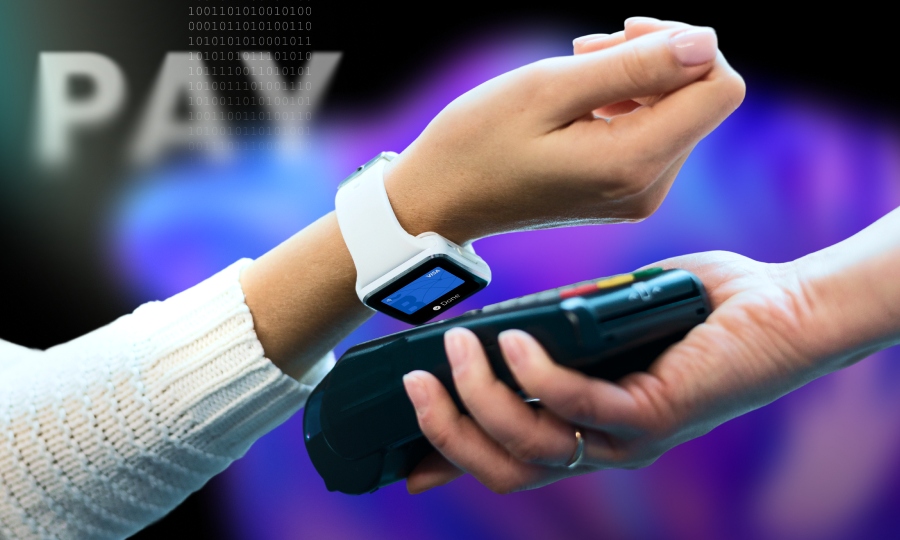
How to pay with your Bitsa card?
Bitsa is a prepaid card that works without a bank account, but there’s more than one way to use it. The virtual card, the physical card, and your phone each cover different situations, from online shopping to withdrawing cash at an ATM, to paying in-store with your mobile.
Depending on what you need at any given moment, you’ve got one option or several. Here’s how it all works.
Virtual card: online payments and mobile payments
Your Bitsa virtual card is available as soon as you activate your account, no need to wait for a physical delivery. It’s designed mainly for digital use, whether you’re shopping on marketplaces like Amazon or AliExpress, buying clothes online, booking trips, or paying for subscriptions like Netflix or Spotify. If the merchant accepts Visa, your virtual Bitsa card will work, no matter where the store is based.
But it’s not limited to online use. By linking your card to Google Pay on Android devices or Apple Pay on iPhone, you can also pay in physical stores using your phone at any contactless terminal, without needing to carry a card. You can set this up directly from the Bitsa app in just a few steps. Once it’s done, you simply tap your phone on the terminal to pay.
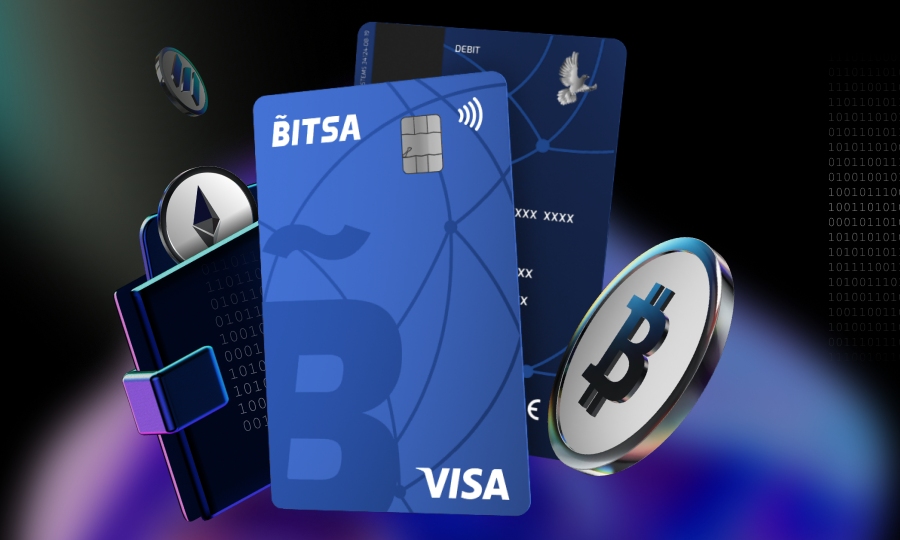
Physical card: in-store payments and cash withdrawals
The physical Bitsa card is the option for anyone who prefers to pay in-store without using their phone or needs to withdraw cash. It works at any terminal that accepts Visa, with chip and PIN or contactless, just like any other card. The difference is that you don’t need a bank account to have it or use it.
It’s also the only way to withdraw cash with Bitsa. The virtual card doesn’t support ATM withdrawals, only the physical card does. When withdrawing cash, select the “current account” option on the ATM if prompted.
As for fees, for domestic and eurozone ATMs, fees are set by the ATM operator, not Bitsa. Outside the eurozone, the fee is €0.55 plus 1% of the withdrawn amount, with a minimum of €0.75. Withdrawal limits depend on your plan, which you can check on the Bitsa plans page.
Virtual or physical? Choose what fits your needs
If you’re not sure which card to use in each situation, here’s a quick overview:
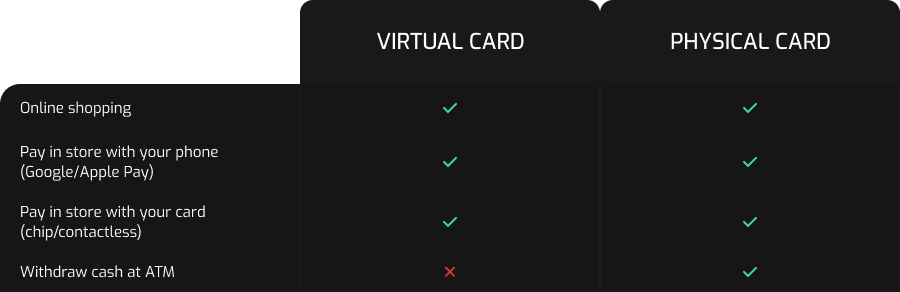
Depending on your needs, you can stick with just the virtual card, just the physical one, or use both at the same time. There’s no single “better” option, it all depends on how you use your card day to day.
If you want to see what each plan includes and how many cards you can have active, you can check the Bitsa plans page.
Bitsa lets you pay in multiple ways without needing a bank account. You can shop online with your virtual card, pay in-store with your phone using Google Pay or Apple Pay, use your physical card anywhere, and withdraw cash from ATMs when you need it. There’s no single right way to use it, it depends on where you are and what you need in the moment.
If you don’t have your Bitsa card yet, it all starts by downloading the app. If you already have it but only use one of the cards, you might be missing out on other options. The virtual and physical cards cover different situations, and having both active is more useful than it might seem.