

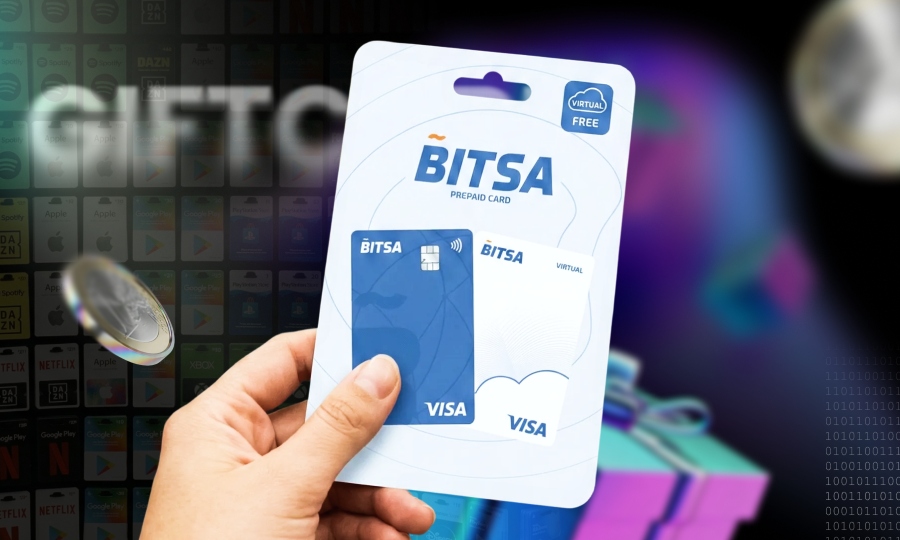
Top up your card with Bitsa vouchers
Need to reload your prepaid card but can’t wait for a bank transfer? Bitsa vouchers are the solution. With our vouchers, you can add funds to your card in minutes directly from the app.
The process is simple: enter the code or scan it with your camera and you’re done. It’s designed to be quick and hassle-free, all from your mobile.
What is a Bitsa voucher and what is it for?
A Bitsa voucher is a code that can be redeemed in the app to reload your prepaid card. In practice, it works as a prepaid top-up: you purchase the voucher and then convert it into card balance directly through the app.
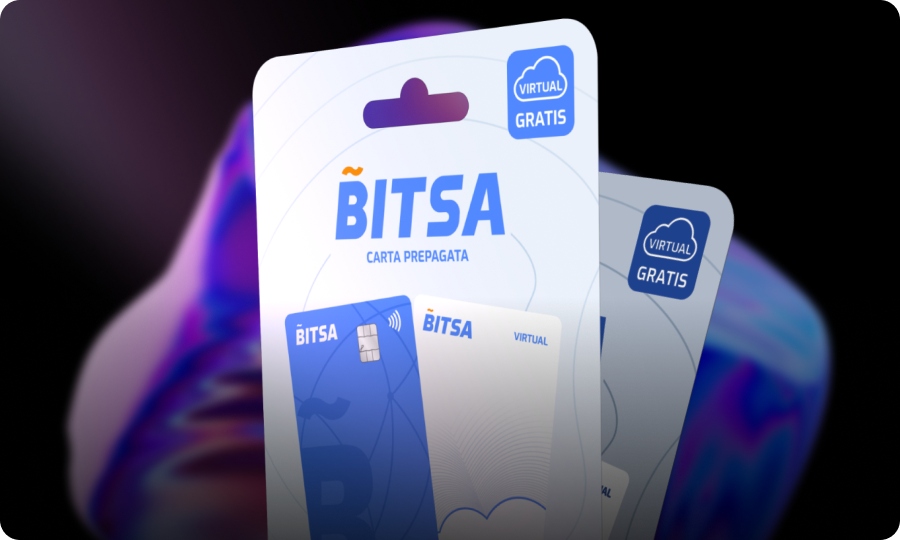
To redeem a voucher, you simply need the Bitsa app, access to your account and to select your card before starting the reload. You must also have the code ready so you can enter it in the app.
⚠️ Very important: Keep your purchase receipt, as the voucher code you need to enter in the app is printed on it.
Where to buy Bitsa reload vouchers
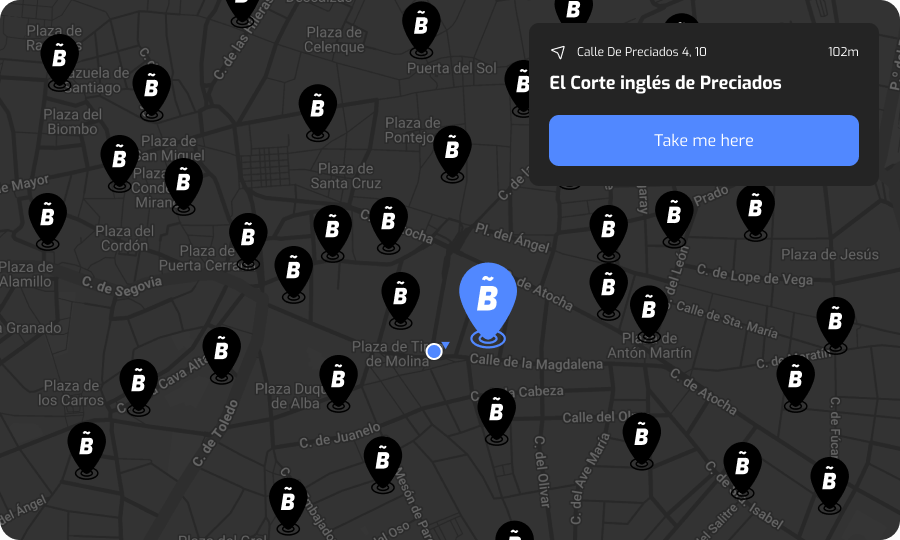
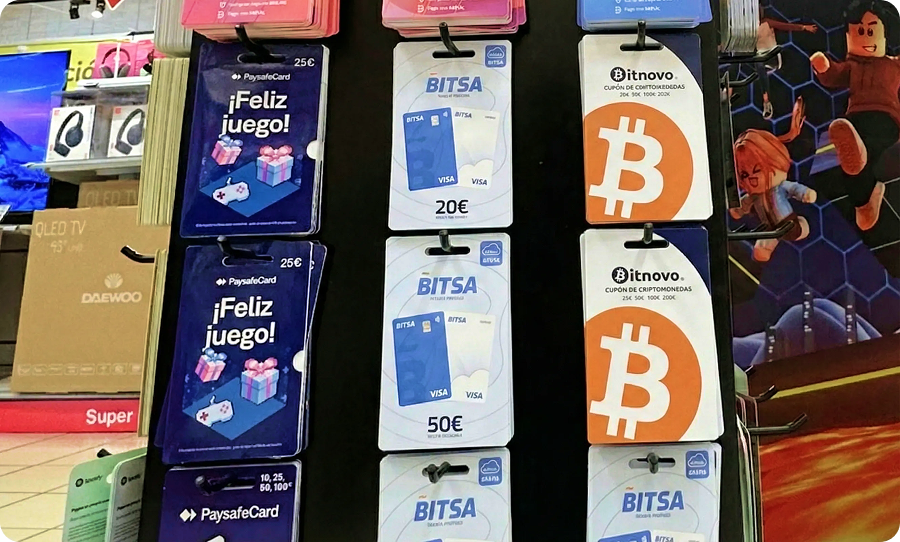
You can buy Bitsa vouchers in two main ways: online through specialized gift card retailers, or in physical stores at more than 40,000 locations across Europe.
If you prefer buying in person, the easiest way is to use the app to find nearby stores through the Services section by searching your city or postal code. This way, you won’t waste time visiting stores that don’t sell them.
Bitsa vouchers are available in different amounts, ranging from €10 to €500. The available values may vary depending on the retailer.
How to redeem a Bitsa voucher in the app
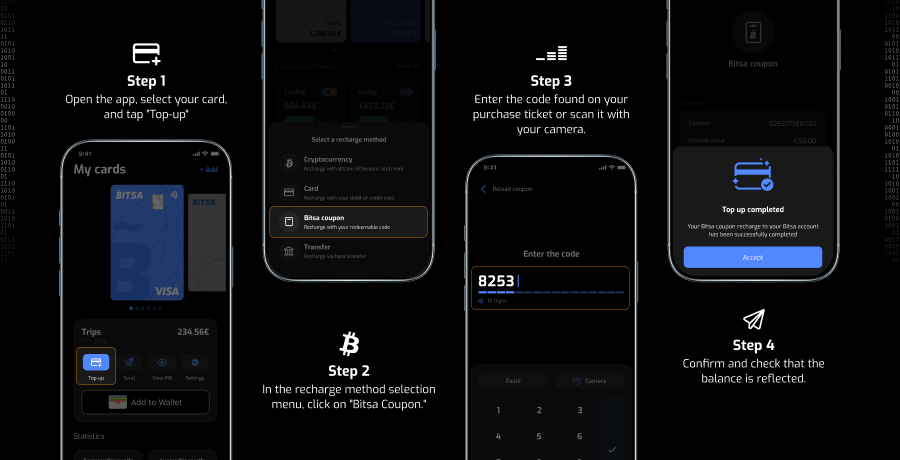
With your receipt in hand, open the app and go to your card. Tap Reload and choose the voucher option. You can redeem it in two ways.
The first option is to manually enter the code exactly as it appears on the receipt. No added spaces, no altered characters, and no rush. The second option is to scan it with your phone’s camera, which is usually the fastest method when the code is clearly visible and well lit.
Once you confirm, the funds will be added to your card and your updated balance should appear. You can always check your balance and transaction history directly in the app.
If the voucher doesn’t work on the first try, stay calm and review it carefully. Return to the voucher screen and check the code character by character. In many cases, the issue is simply a mistyped digit or a scan that didn’t read correctly.
If scanning doesn’t work, try entering the code manually. If that still doesn’t work, try scanning again with better lighting and the receipt laid flat.
Safety tips when using vouchers
Vouchers let you reload your prepaid card quickly and conveniently. Even so, it’s worth following a few simple safety guidelines.
If you’re buying online, only purchase vouchers from trusted retailers. Make sure the seller is recognized, the website includes clear legal information, and standard payment methods are available. Be cautious of “too good to be true” prices. If the voucher comes from a suspicious source, it’s better not to buy it.
It’s also important to remember that the voucher code gives access to your reload. Don’t share it by message, don’t post it on social media, don’t email it “for help,” and avoid unnecessary screenshots that could circulate. If someone else gets the code before you redeem it, they could attempt to use it.
Vouchers are a simple way to reload your Visa prepaid card while keeping control in your hands. Buy from reliable sellers and treat the code like balance, because that’s exactly what it is. If you do that, the rest is straightforward: reload when you need to and spend when it suits you.