

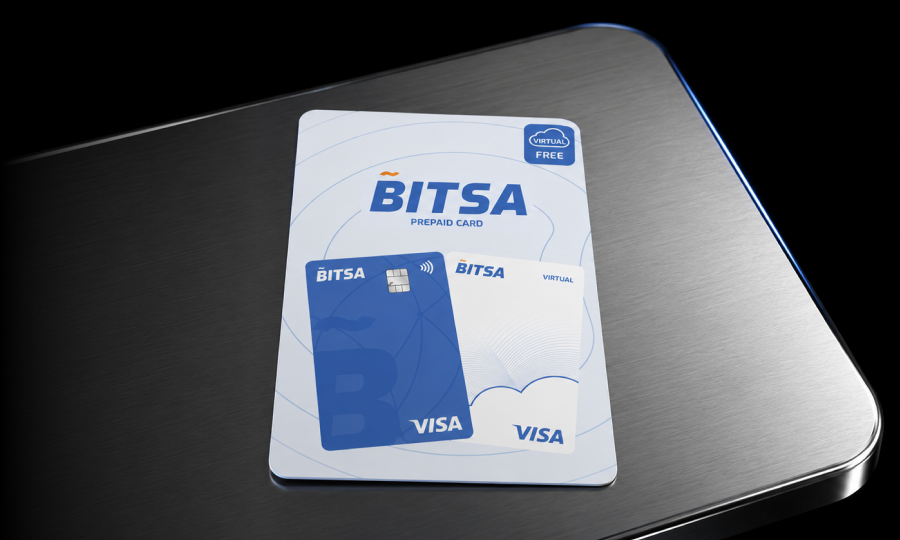
Bitsa top-up vouchers: when to use them and how they work
A Bitsa top-up voucher is a code you buy in a physical store or online, and once you redeem it in the app, it becomes balance on your card. Vouchers are available from €20 to €250. You pay for them at the time of purchase, and the balance is added to your card as soon as you enter the code.
Together with crypto top-ups, bank transfers and card top-ups, vouchers are one of the four ways to add balance to your Bitsa card.
The voucher is the top-up method that works with cash
Bitsa has four top-up methods, but only one lets you use cash: the voucher. That makes it the logical option in specific situations that the other methods do not cover.
If you manage part of your budget in cash and want to load that money onto your card, the voucher is the only way to do it. You go to a point of sale, pay the amount you need at the checkout and receive a receipt with the code. You enter it in the app and the balance appears on your card. You do not need a bank account or another card to do it. Just your Bitsa card.
If you want to top up someone else’s card, the voucher lets you do that too. You buy the voucher in a store, receive the receipt with the code and pass it on to whoever you want. That person enters the code in their own Bitsa app and the balance is added directly to their card. You do not need to know their bank details or access their account. You only need to give them the voucher and the code on the receipt.
If you prefer a specific top-up not to appear on your bank statement, the voucher is the way to do it. You pay for it in cash in a physical store and it does not create any movement on your bank account. The top-up only appears in the Bitsa app.
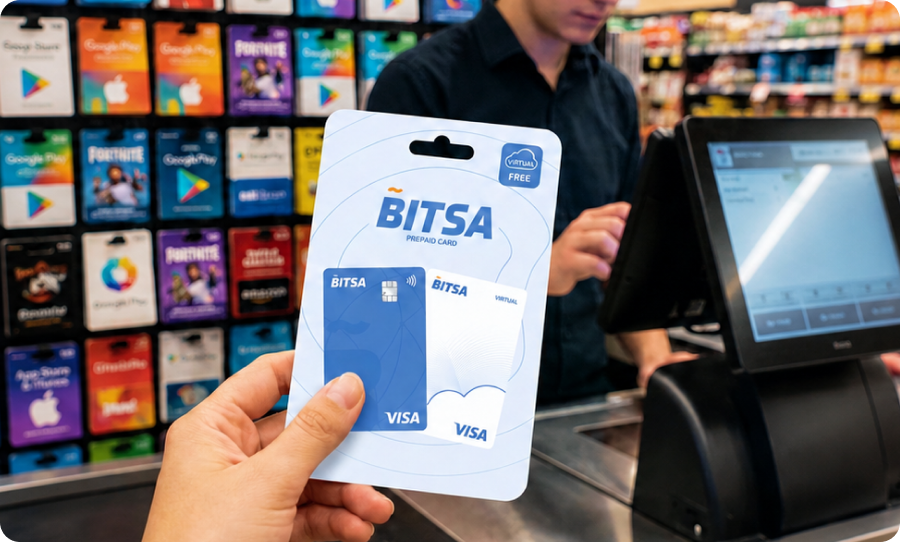
And if you need balance immediately and a SEPA transfer would take until the next day, the voucher solves that too: the balance is applied as soon as you confirm the code in the app. No waiting time.
Where to buy Bitsa top-up vouchers
There are two ways to buy them: in physical stores and online. The experience is different in each case.
In physical stores
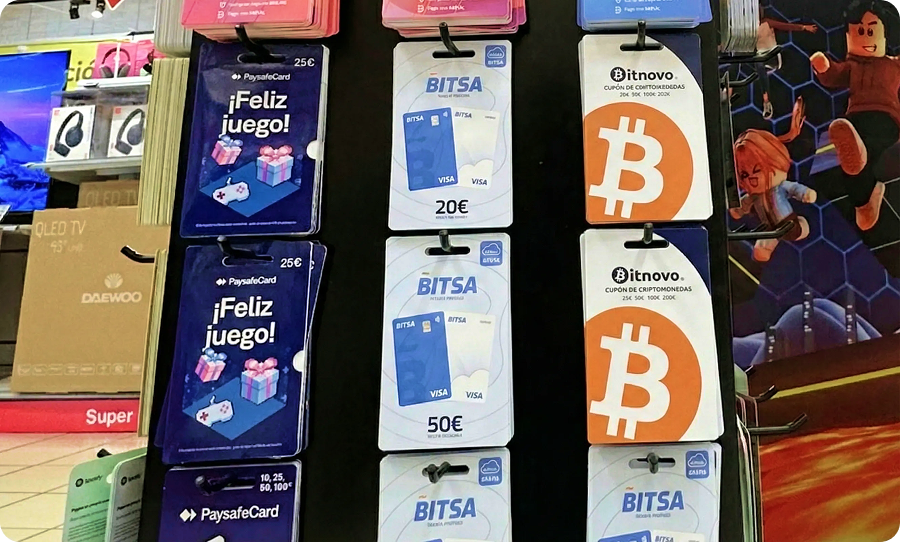
Bitsa vouchers are sold in more than 40,000 points of sale across Europe: supermarkets, hypermarkets, tobacconists and other retailers. What you receive is a printed receipt with the top-up code.
To find the nearest point of sale, the app has a locator in the points section. You can search by city or postcode. It is worth checking before you go, because not every point of sale offers the same amounts.
Online
You can also buy vouchers from online stores that specialise in gift cards and top-ups. In this case, the code is sent to you by email or shown directly on the website after payment.
Here, it is important to be selective. Only buy from stores with visible legal information, standard payment methods and verifiable reviews. If you find a voucher priced far below its face value, be careful: top-up vouchers have a fixed value, and nobody sells them at a discount without a reason.
Vouchers range from €20 to €250. Not every point of sale offers every amount: usually, each store has a limited range available. If you need a specific amount, check before going to the store or review the options offered by the online seller.
How to redeem the voucher in the app
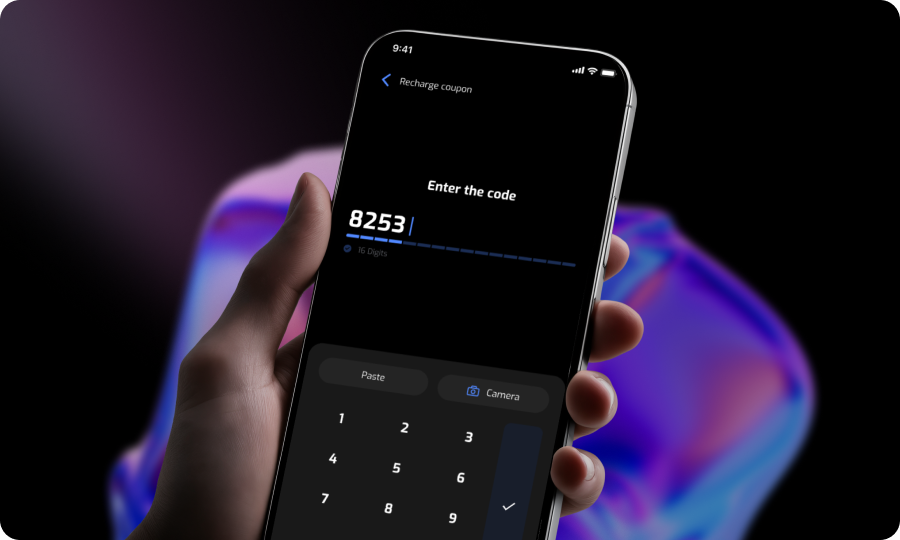
With the receipt or code on screen, open the Bitsa app and select the card you want to top up. Tap top up and choose the voucher option.
There are two ways to enter the code. The first is to type it manually, character by character, exactly as it appears on the receipt. The second is to scan it with your phone’s camera, which is faster if the receipt is in good condition and there is enough light.
Once you confirm, the balance is added to the card. You can check it in the app’s transaction history.
Common redemption errors and how to fix them
If the code is not accepted the first time, the most likely cause is an input error. Before assuming there is a problem with the voucher, check the following.
- Mistyped digit: This is the most common issue. Go back to the voucher screen and compare the code character by character with the one on the receipt. Typical mistakes include confusing zero with the letter O, one with a lowercase L, or accidentally skipping a character.
- Partial scan: If you scanned the code with the camera and it does not work, the scanner may have only read part of it. Try entering it manually before scanning it again.
- Poor lighting or damaged receipt: If the receipt is wrinkled, wet or the ink has partly faded, the scanner will not read it properly. Flatten the receipt on a surface and look for good lighting. If it still does not work, enter the code by hand.
If the code still does not work after checking all of the above, contact Bitsa support at support@bitsacard.com and include the voucher code and a photo of the receipt.
One final note: the voucher code is your top-up. Whoever has it can try to redeem it before you do. Keep the receipt somewhere safe until you see the balance in the app. Do not take unnecessary photos of the code or send it by messaging apps.
If someone asks you for the code “to help you” redeem it, do not share it. The process is done from your own account in the app and does not require anyone else’s involvement. If you bought the voucher online, the same rule applies: redeem the code as soon as possible and delete the email once the balance has been confirmed.
The voucher is not Bitsa’s best-known top-up method, but it is the only one that works with cash and the fastest option when you need balance straight away. If you already have the app installed, all you need to do is go to a point of sale or buy it online, enter the code and you are done. If you do not have Bitsa yet, you can download the app and have your card ready in just a few minutes.