

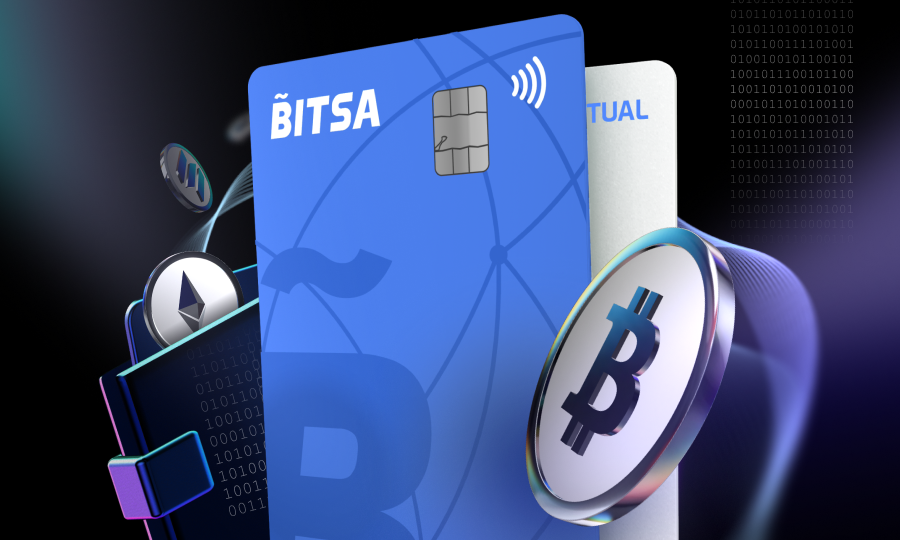
How to manage your Bitsa virtual card from the app
Bitsa puts everything you need to manage your money in one place. It isn’t a card with a single fixed function. It adapts to different needs depending on the moment. That range of functions is what lets the same card work for very different situations. Here’s what you can do with it and how.
Top up your card
You have five ways to add balance: crypto, bank card, coupon, bank transfer and transfer from another Bitsa card. Not all of them take the same amount of time.
With crypto, bank card, coupon or a transfer from another Bitsa card, the balance shows up in seconds. If you top up by bank transfer, it usually takes between 24 and 72 business hours, excluding weekends. If you know you’ll need the balance by a specific date, it’s worth sending the transfer a few days ahead rather than leaving it until the last minute.
Everything is managed from the same top-up screen in the app. Pick whichever method suits what you need at the time.
Send balance to other cards
You can send balance straight to another Bitsa card. If they’re one of your contacts, use their phone number. If you have more than one card, you can move balance between your own cards in the same way. For any other Bitsa card, use its CODE. In all three cases, the balance is deducted from your card and appears on the recipient’s card instantly.

For example, if a friend covers your concert ticket, you can pay them back directly to their Bitsa card instead of making a bank transfer that could take days.
Check your card details
Your full card number, expiry date and CVV are available in the app at all times. You’ll need them, for instance, when a website asks you to enter your card details manually. You can simply view them in the app.
Change your card’s nickname
You can change the default name shown on each card. If you’re managing two or three at once, naming them something like “shared expenses” or “savings” lets you see at a glance what each one is for, without having to open them to check.
Replace your card
If your current card no longer works for you, for whatever reason, you can start the process of replacing it with a new one directly from the app.
Block your card
If you spot a transaction you don’t recognise, or simply suspect that someone may have access to your details, you can block the card instantly from the app. You can unblock it in the same way once you’ve sorted things out.
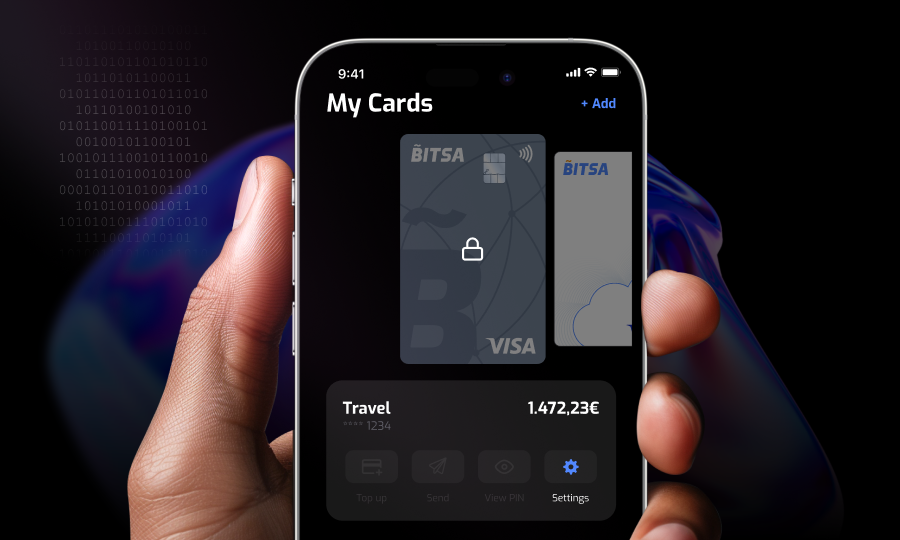
Hide a card
This option only appears if you have more than one active card. Hiding a card doesn’t deactivate it or remove its balance. It simply stops appearing on the main screen of the app. It’s useful if you’re using a card for something temporary and don’t want it mixed in with your everyday card. At least one card must always remain visible, so if you have two, you can only hide one of them.
Proof of card ownership
In the app, you can access a document confirming who the cardholder is. It can be useful whenever you need to prove that the card belongs to you, without having to request that document through another channel.
Delete your card
You can delete a card whenever you need to. For example, if you created a virtual card for a one-off purchase and won’t be using it again, or if you blocked it because of suspected fraud and would rather replace it than reactivate it. If you have more than one card and delete one of them, its balance doesn’t disappear. It is transferred directly to your main card.
If your current plan is no longer enough
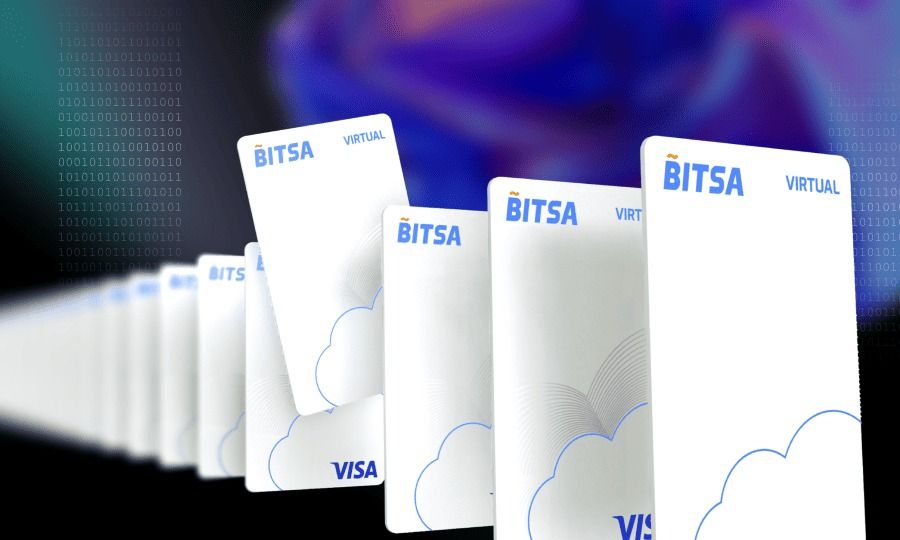
Bitsa has three plans, and each one determines how many cards you can have at once. The Free plan includes 1 physical card and 1 virtual card. Move includes 2 physical cards and 3 virtual cards. Pro includes up to 4 physical cards and 4 virtual cards.
If you need more cards than your current plan allows, whether you need another physical card or several virtual cards to separate your spending, you can switch plans directly from the app.
All of this makes Bitsa a tool that adapts to the way you manage your money at any given moment. Its range of functions makes it a solid option for managing your day-to-day finances.